I am a tenant
Use the invitation linked to your lease to access your repairs. Already have an account?
Sign inKoja Property Manager
Keep track of rent, tenants, expenses, repairs, leases and rent increases in one place, in English or French. Your tenants can send their repair requests online, and it costs nothing.
No ads. Access is controlled by account, role and assigned buildings. Works best on a laptop or desktop computer. Already have an account? Sign in
Start with Today’s tasks in Overview, then open Properties, Money, Maintenance or Reports. Related tools stay together, so you can focus on one job at a time.
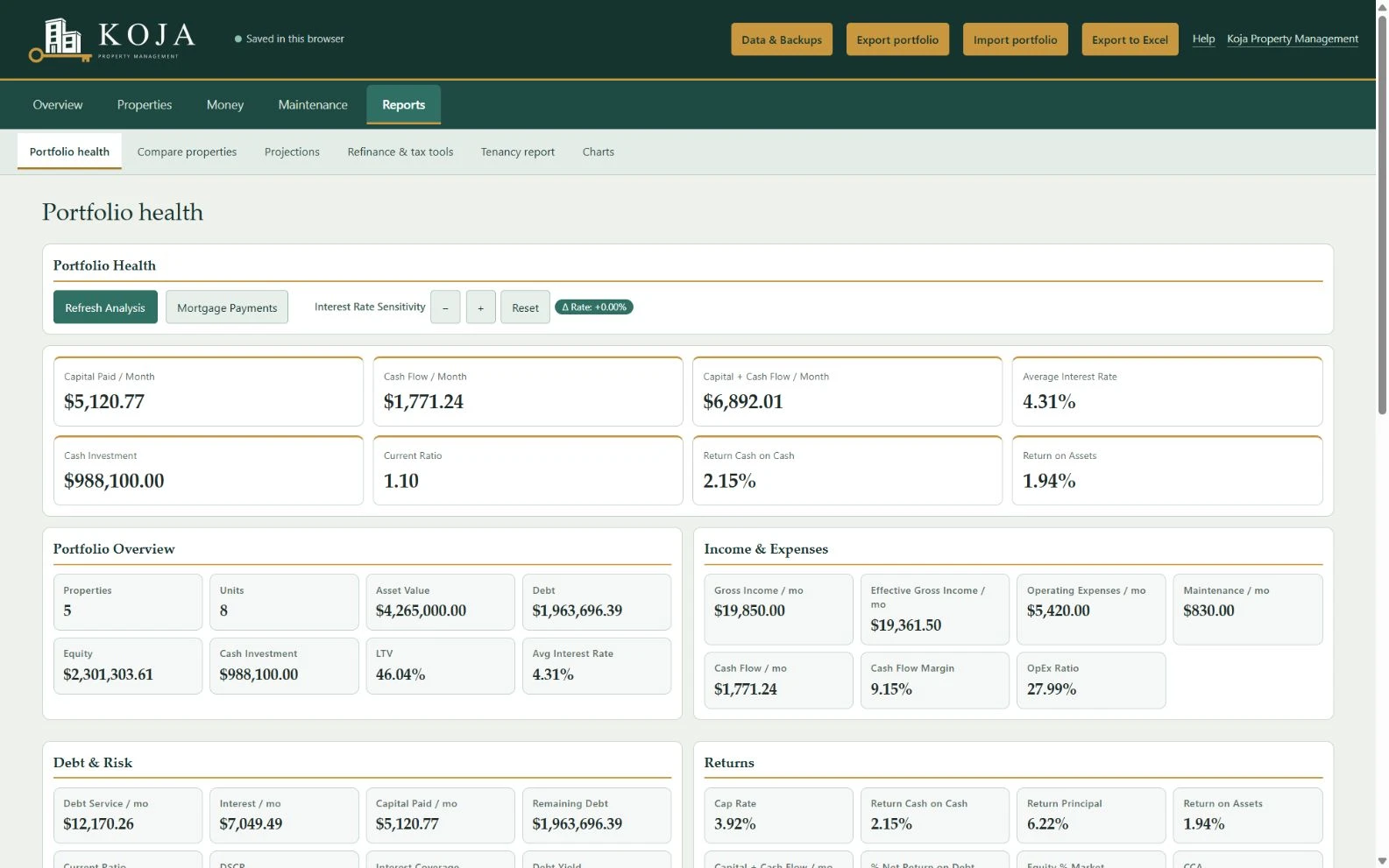
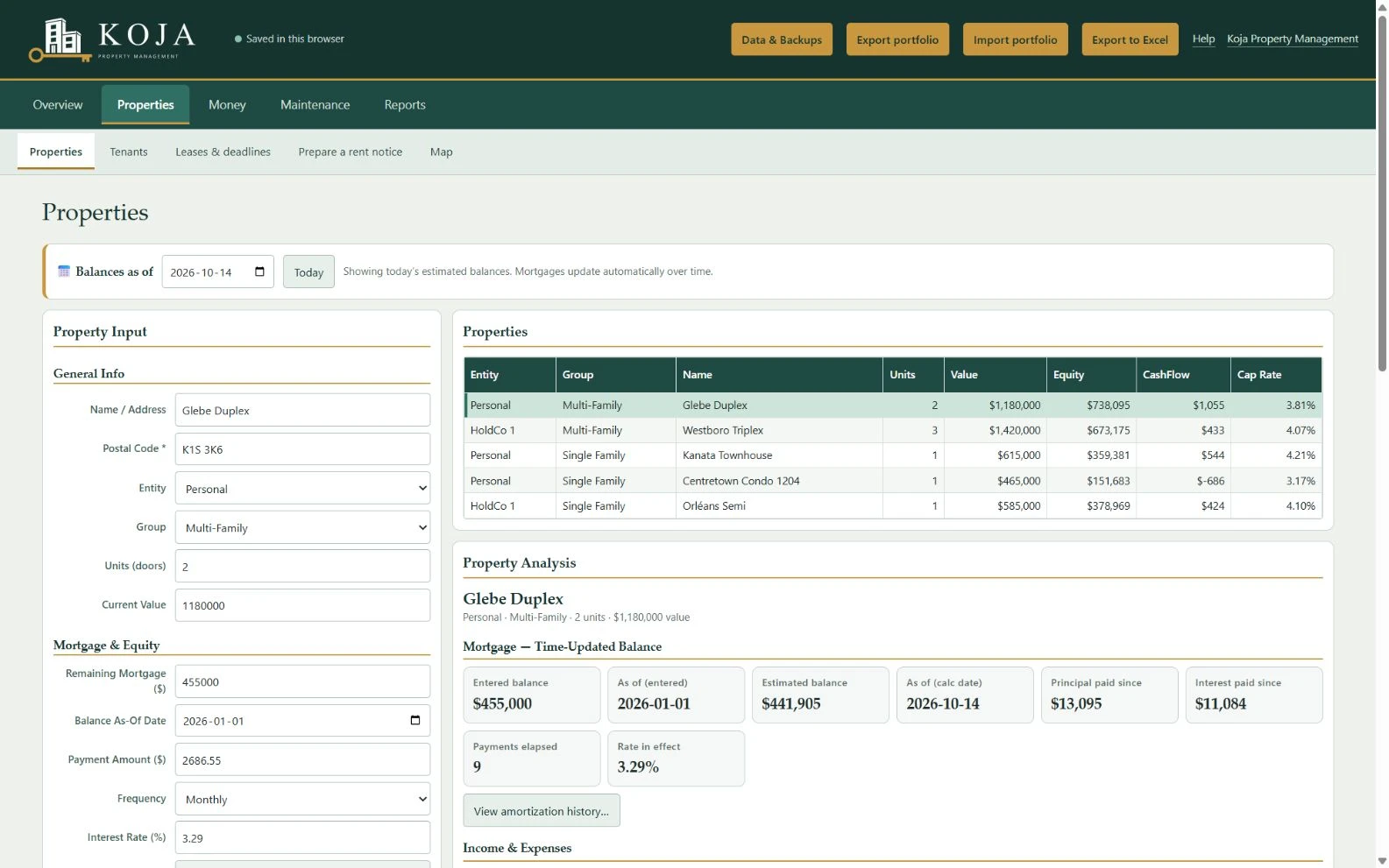
Cash flow, net operating income, cap rate, cash-on-cash return, DSCR, equity and loan-to-value, with mortgage balances that update as you pay them down.
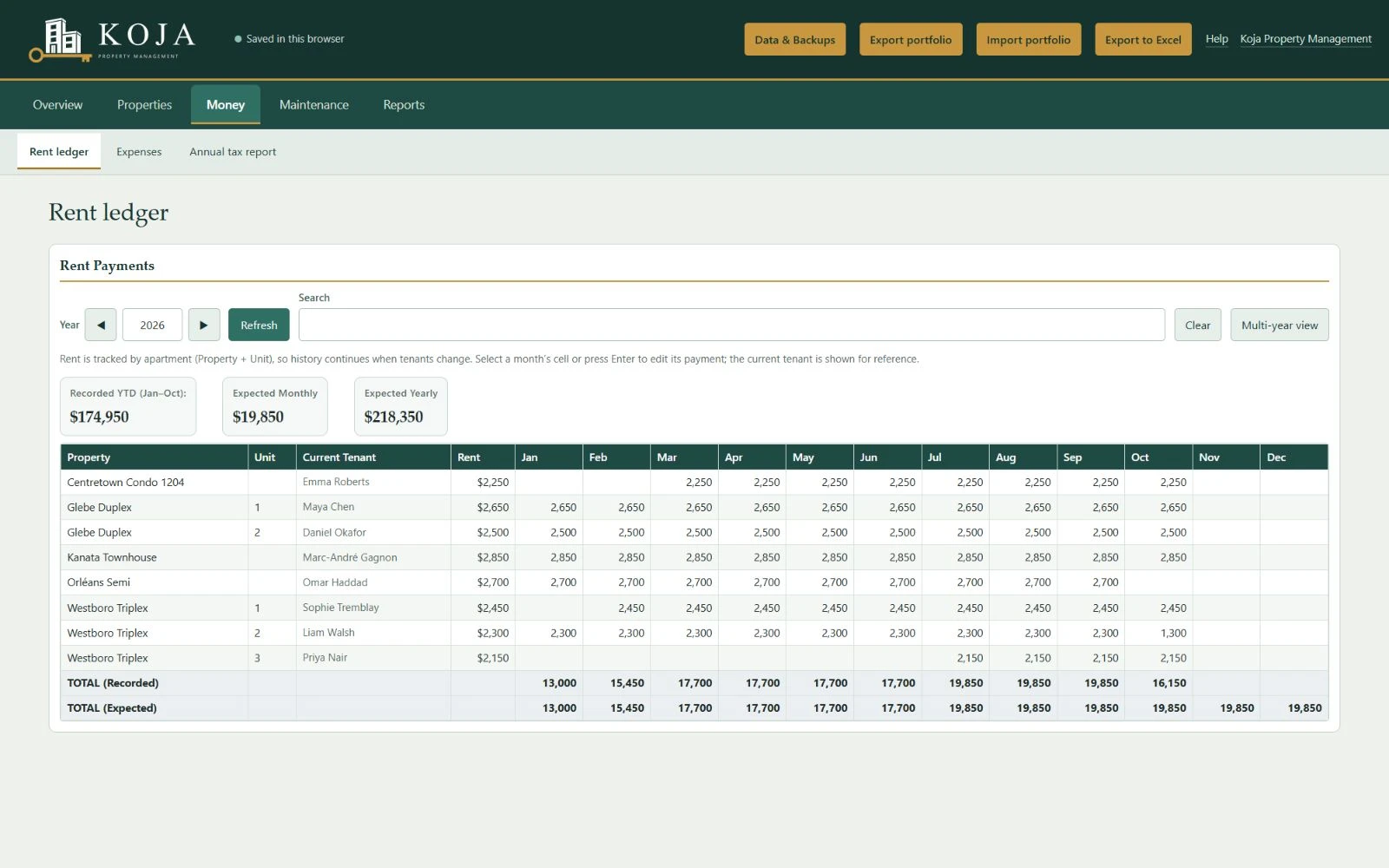
A rent ledger for every unit, with totals against what you expect to collect and a list of anyone behind this month.
Record expenses in the CRA's T776 categories and get yearly totals for your Statement of Real Estate Rentals.
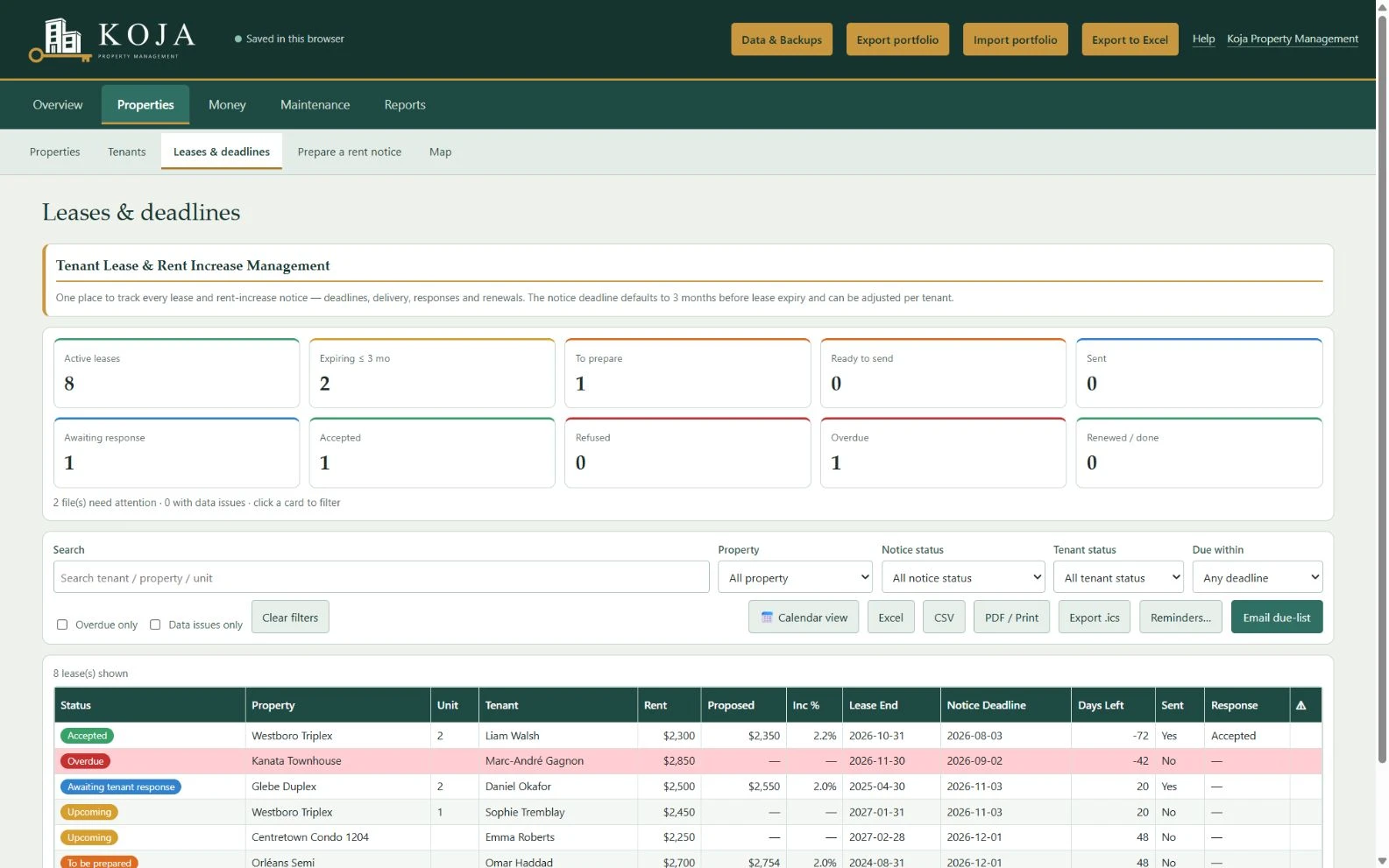
See which leases need attention and when each notice is due under Ontario's rules, then track delivery, the tenant's answer and the renewal. Includes a calendar view and calendar export.
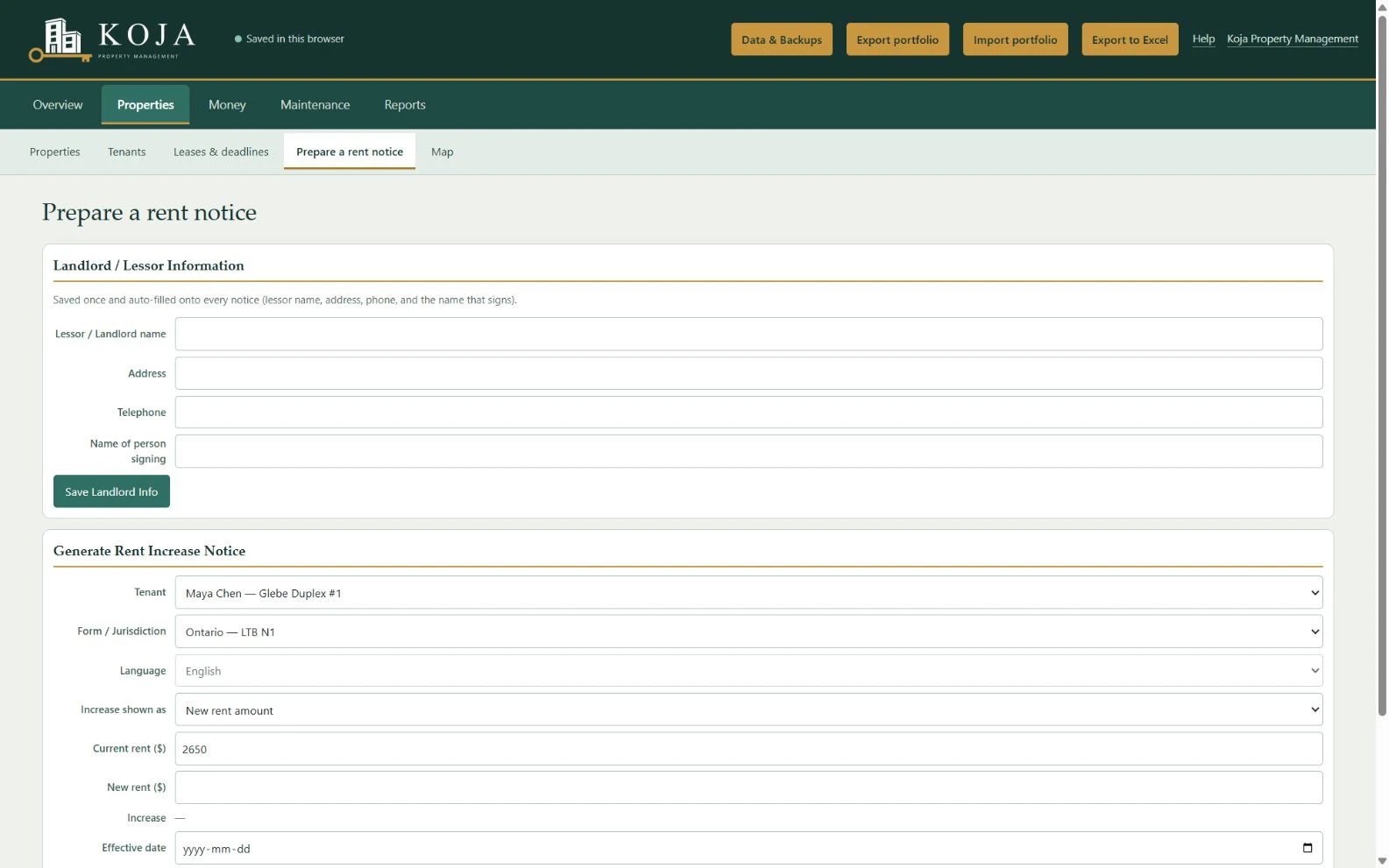
Fill in the Landlord and Tenant Board's N1 notice from your tenant's details. Print it or save it as a PDF.
Invite your tenants and they send repair requests with photos from their own account. Every request lands in your Repairs list, with priority, vendor, cost and status.
Try a refinance, estimate tax, compare properties side by side and project value, rent and equity years ahead.
Chart any measure across your portfolio, see every property on a map coloured by how it's doing, and export core financial records to Excel.
These example screens illustrate the records and reports. The current navigation groups related tools; the example data is fictional.
Your online records are stored on our servers and accessed over an encrypted connection. Access depends on your role and the buildings assigned to you. See the privacy policy for hosting, staff access and repair information shared with owners.
Use the invitation linked to your lease to access your repairs. Already have an account?
Sign inAsk our team for owner access to the buildings assigned to you.
Request accessCreate a free account, add a property and invite tenants when you are ready.
Create an accountSign up with your email address and confirm it. Your portfolio is ready right away.
Enter your properties and tenants, or load the example to see how everything fits together first. Used the browser edition before? Load its backup file.
Send each tenant an invitation. They create their account and send repair requests straight to you.
Koja Property Manager is free for any owner, whether or not you ever work with us.
We can find your tenants, collect the rent and look after the home for you. The rental assessment is free, with no obligation.
Yes. There's no charge and no advertising. If we ever introduce paid plans, we'll tell you well ahead of time, and you can download all your data whenever you want.
On our servers, with daily backups. We do not sell your records. Access follows your role and assigned buildings. Hosting, authorized staff access, sharing and retention are explained in the software's privacy policy.
Yes. From the Manage page, send each tenant an invitation to the email address on their lease. They create an account and send repair requests with photos, which appear in your Repairs list. Each tenant sees only their own requests.
Yes. Invite a partner or a manager to your portfolio from the Manage page. They get their own sign-in, so you never share your password.
Yes. Everything works in English and in French, and you can switch at any time.
Current versions of Chrome, Edge, Firefox and Safari on a laptop or desktop computer. Your tenants can send requests from a phone.
Invitations and updates on repair requests come from Koja. Everything else, like rent reminders and renewal messages, opens in your own email app, such as Outlook, Gmail or Apple Mail, so you check it and send it from your usual address.
The software fills in the official forms: the Landlord and Tenant Board's N1 notice. You're still responsible for the notice itself, including the amount, the timing and how you deliver it. In Ontario, that means at least 90 days' written notice, at least 12 months since the last increase, and the yearly guideline if it applies to your unit. Check the current rules at tribunalsontario.ca before you serve a notice.
Map images come from OpenStreetMap: your browser requests the part of the map you're looking at. When you click Geocode Missing in Maps, property names and postal codes are sent to OpenStreetMap's Nominatim service to find their location. See the privacy policy for hosting and email service providers.
Yes. The browser edition runs entirely in your web browser and keeps your data on that computer, with no sign-up. It's in English only, and it doesn't include the tenant portal.
Email info@kojapropertymanagement.ca and tell us what happened and which browser you use.
Last updated: October 13, 2026
The full terms are in the software: see its terms of use and privacy policy. In short:
Questions about these terms? Email info@kojapropertymanagement.ca. See also our privacy policy.